Press Kit
Writing about Wallflower? Everything you need is on this page. If it isn’t, email me. I answer fast.
The short version
Wallflower turns an iPad or iPhone into a dynamic dashboard for the smart home. Everything that matters, always in view. It shows only what’s relevant right now: active devices, sensors outside their normal range, cameras with motion, plus anything you’ve pinned. Built on HomeKit, it works with the whole Apple Home and Matter ecosystem.
Wallflower 3 is a fresh start: I rebuilt the app from the ground up. It brings the new Dynamic Dashboard, custom dashboards, redesigned detail views, hand-drawn device symbols, and full VoiceOver and accessibility support.
Other dashboards show everything you configured, all the time. Wallflower shows only what deserves your attention right now. Everything else is one tap away.
Facts
- App: Wallflower for HomeKit, version 3.1, on the App Store
- Platforms: iPhone and iPad, iOS or iPadOS 18 or later, in 18 languages across 22 regions
- On the App Store since: 2019
- Price: basic home control is free with no device limit; any purchase unlocks customization; Wallflower Premium adds weather and calendar, with yearly or monthly billing; the yearly subscription includes a two-week free trial and Family Sharing; Home, Sweet Home unlocks the home features with a one-time purchase
- Privacy: no tracking, no phoning home, no invasive third-party frameworks; HomeKit runs locally, so Wallflower controls the home even when the internet is down
- Review access: a press TestFlight with everything unlocked, and an offer code for the App Store build; email me
- Made by: nxtbgthng GmbH, a software studio in Berlin, founded 2010
Apple’s reported home display is the loudest validation of the idea I could ask for. It would be a perfect device for Wallflower to run on. If it ever opens to third-party apps, I’ll be first in line.
About nxtbgthng
nxtbgthng GmbH is an indie developer company in Berlin, making iOS apps since 2010, with client work for SoundCloud, the Berliner Philharmoniker, and many others. In 2019 it launched its own product, Wallflower, funded by the people who use it: no ads, no data business, no venture capital.
Downloads
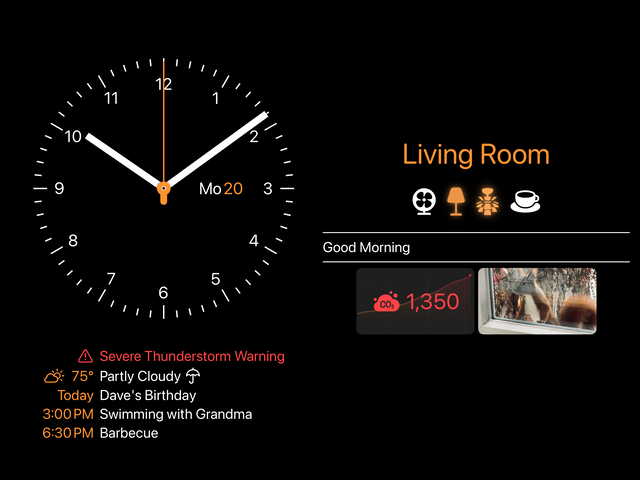
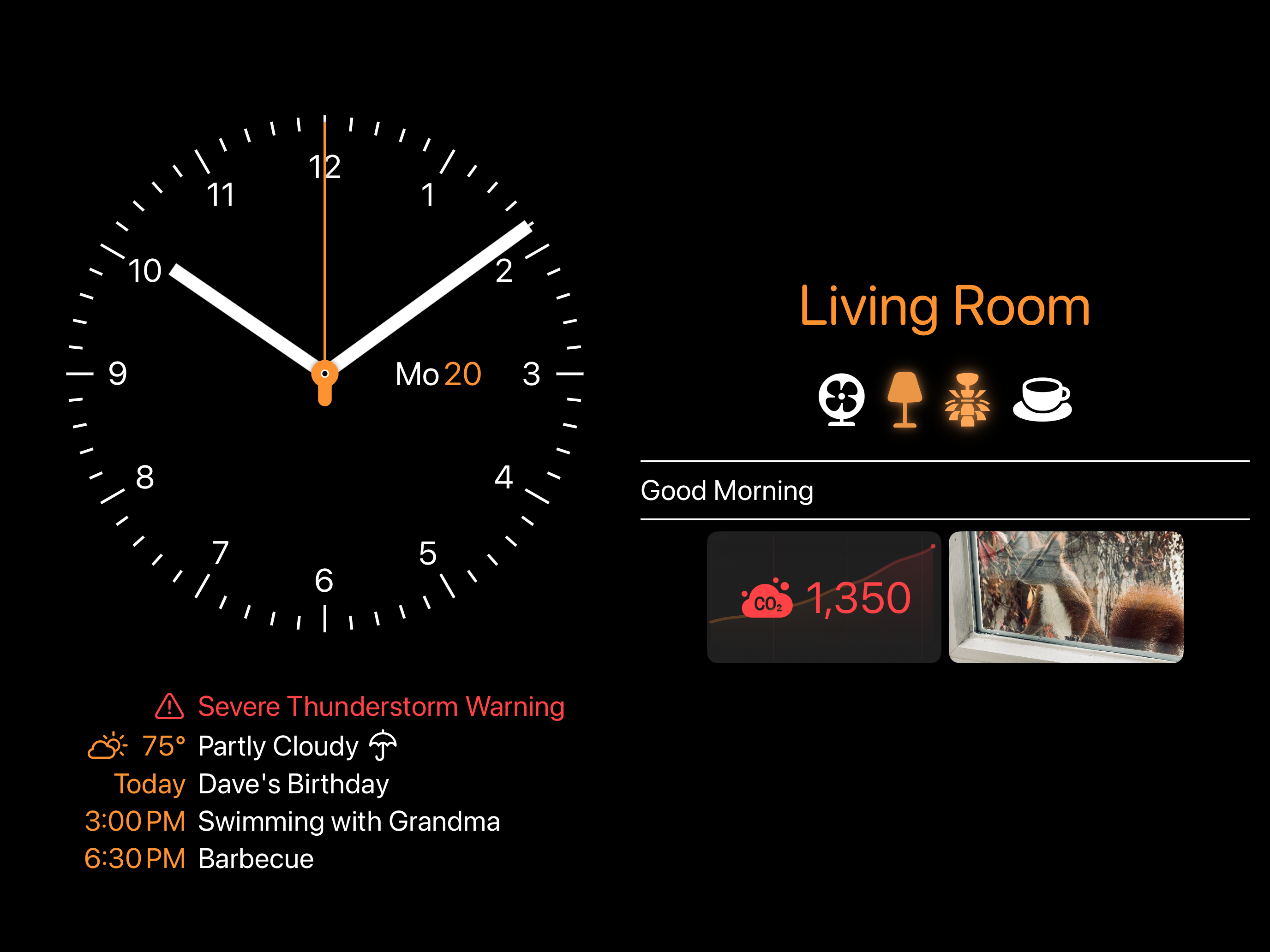
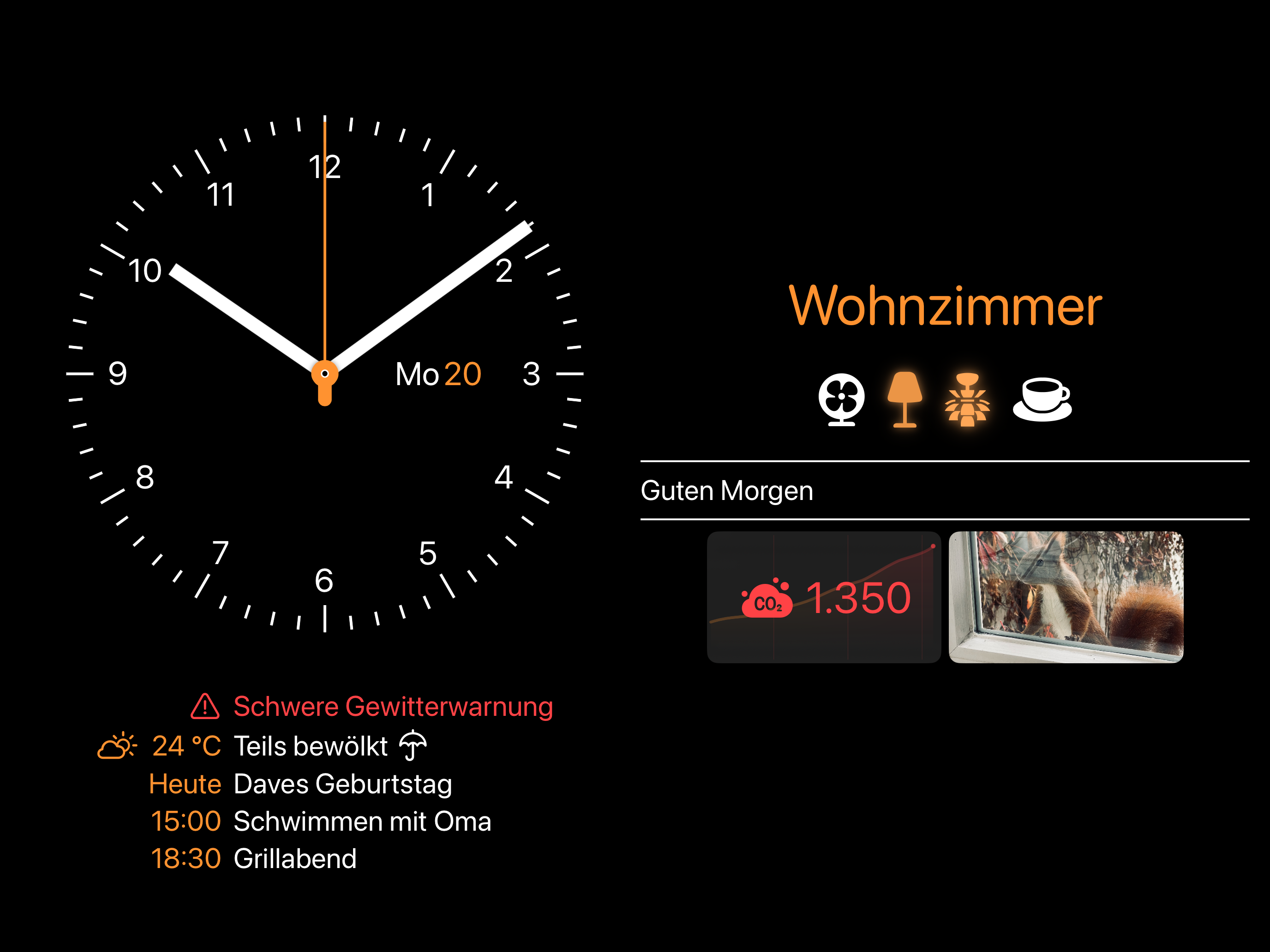
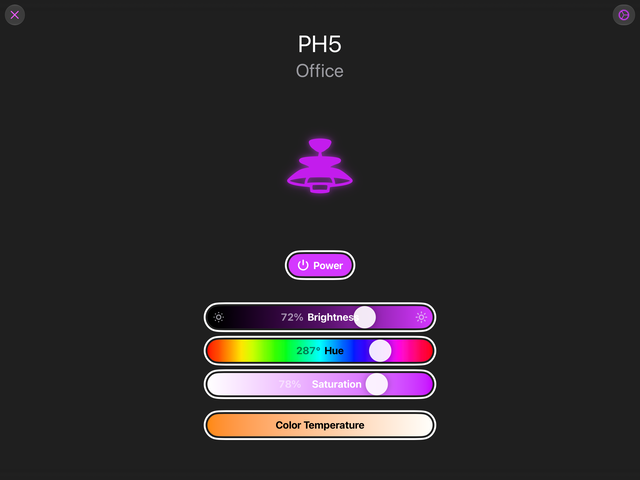
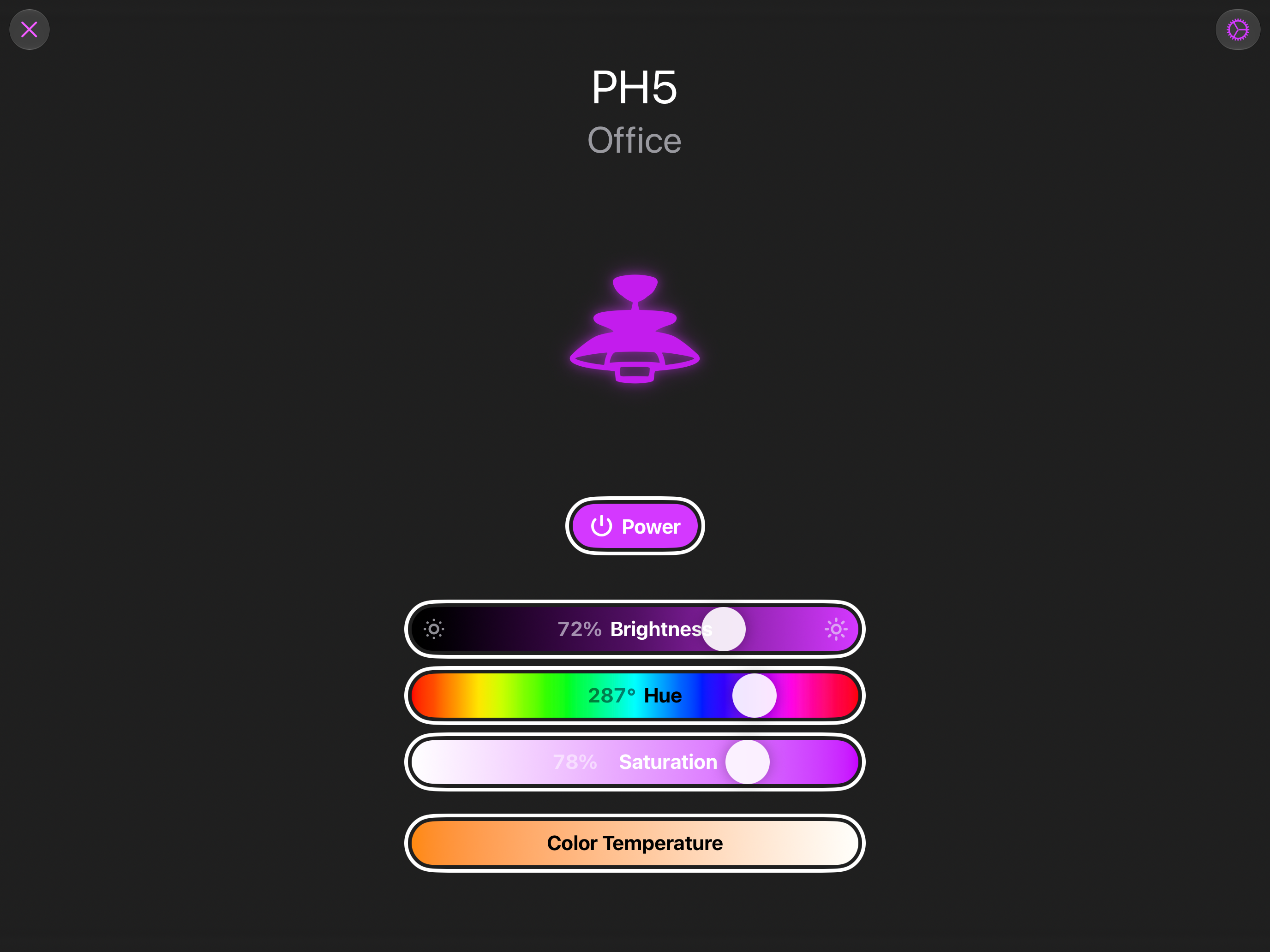
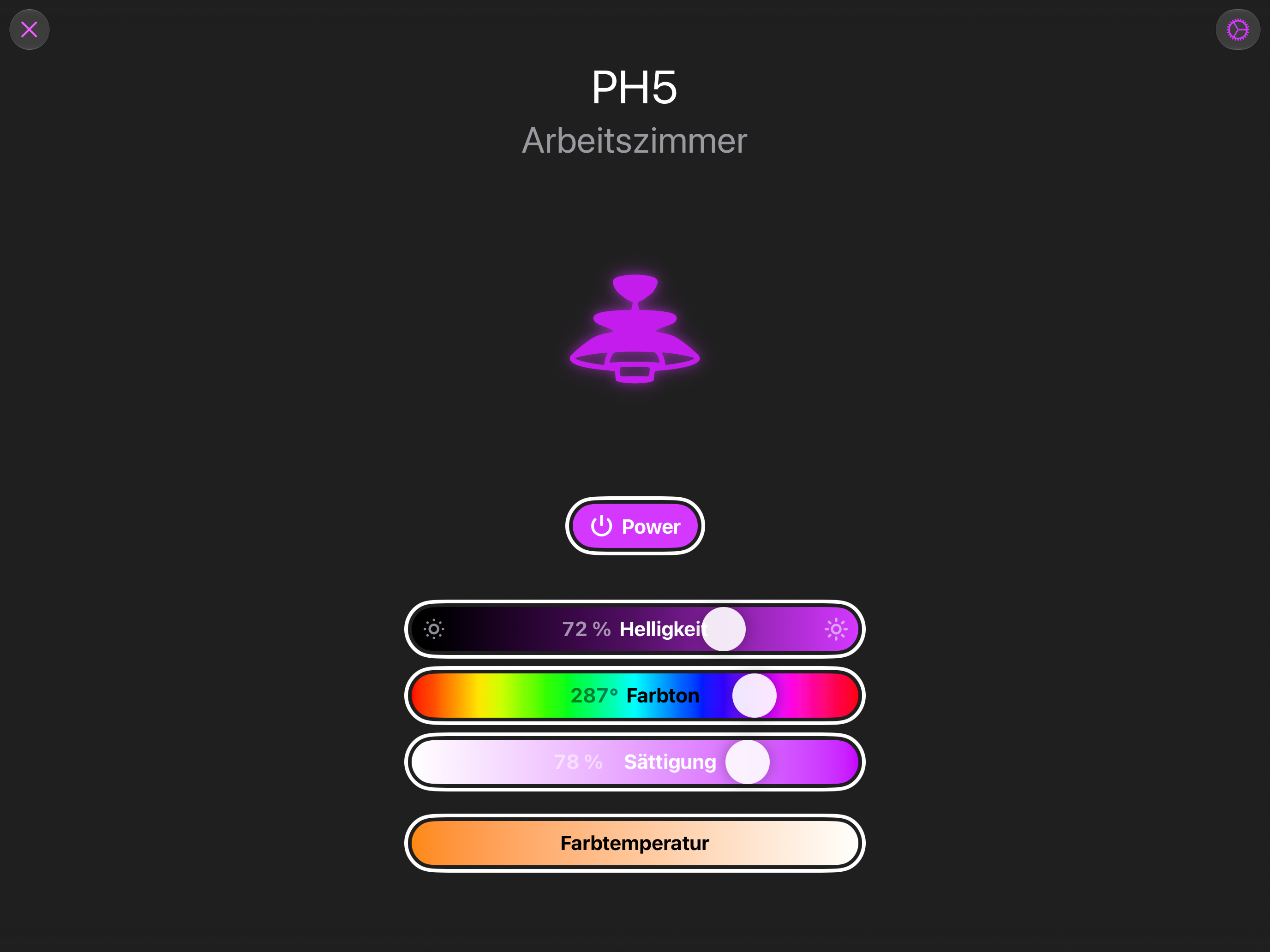
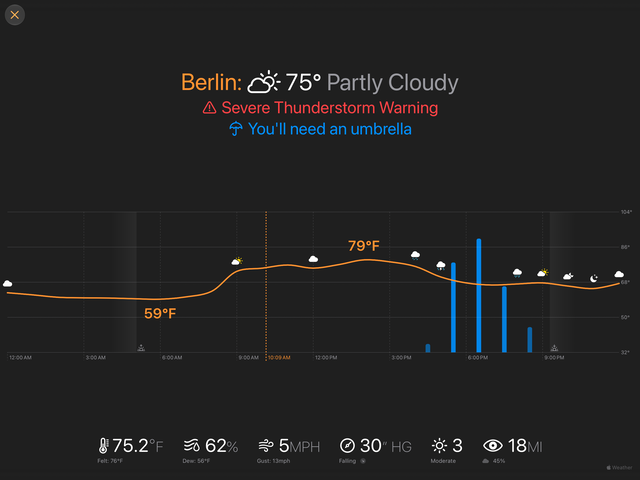
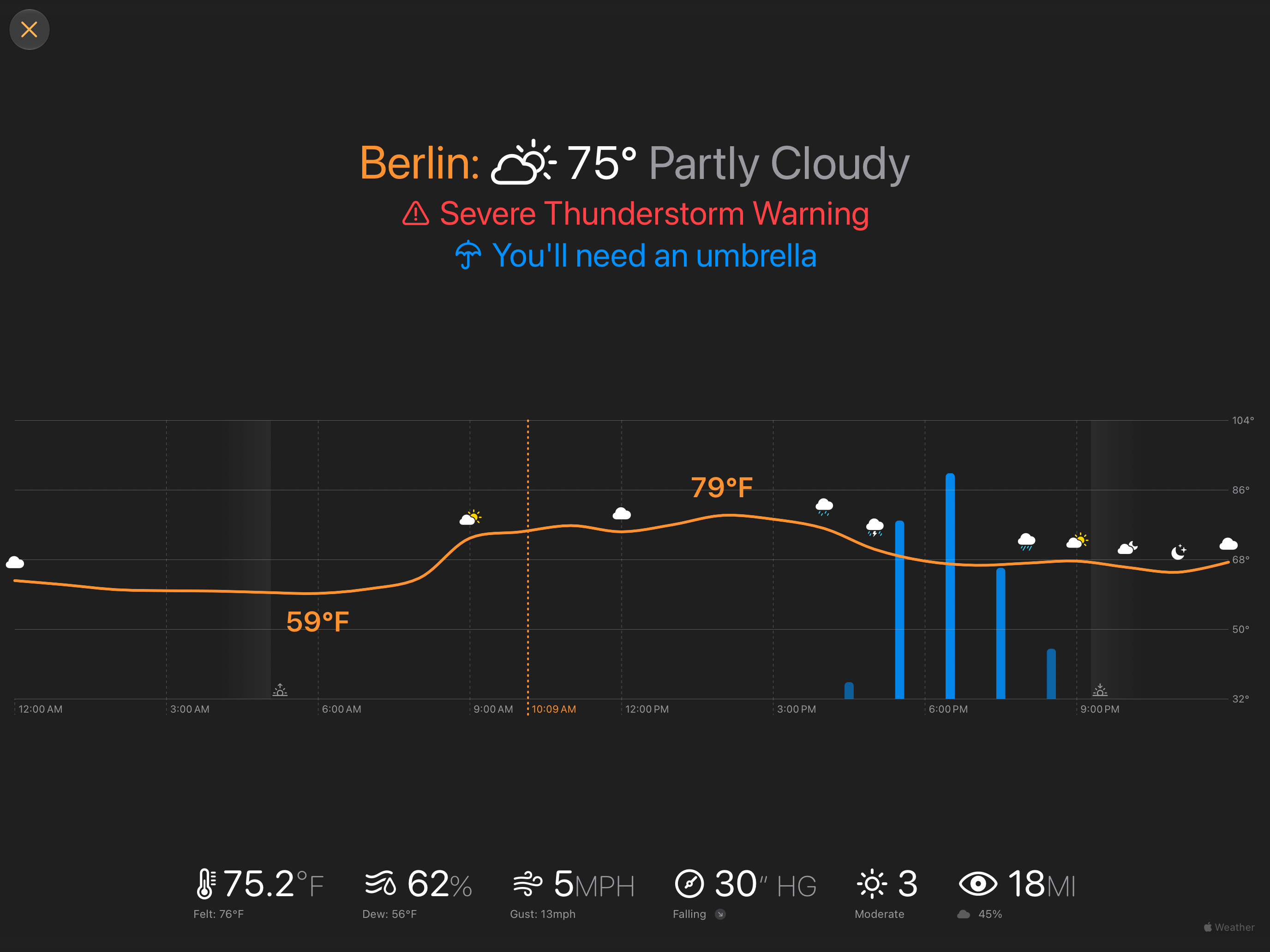
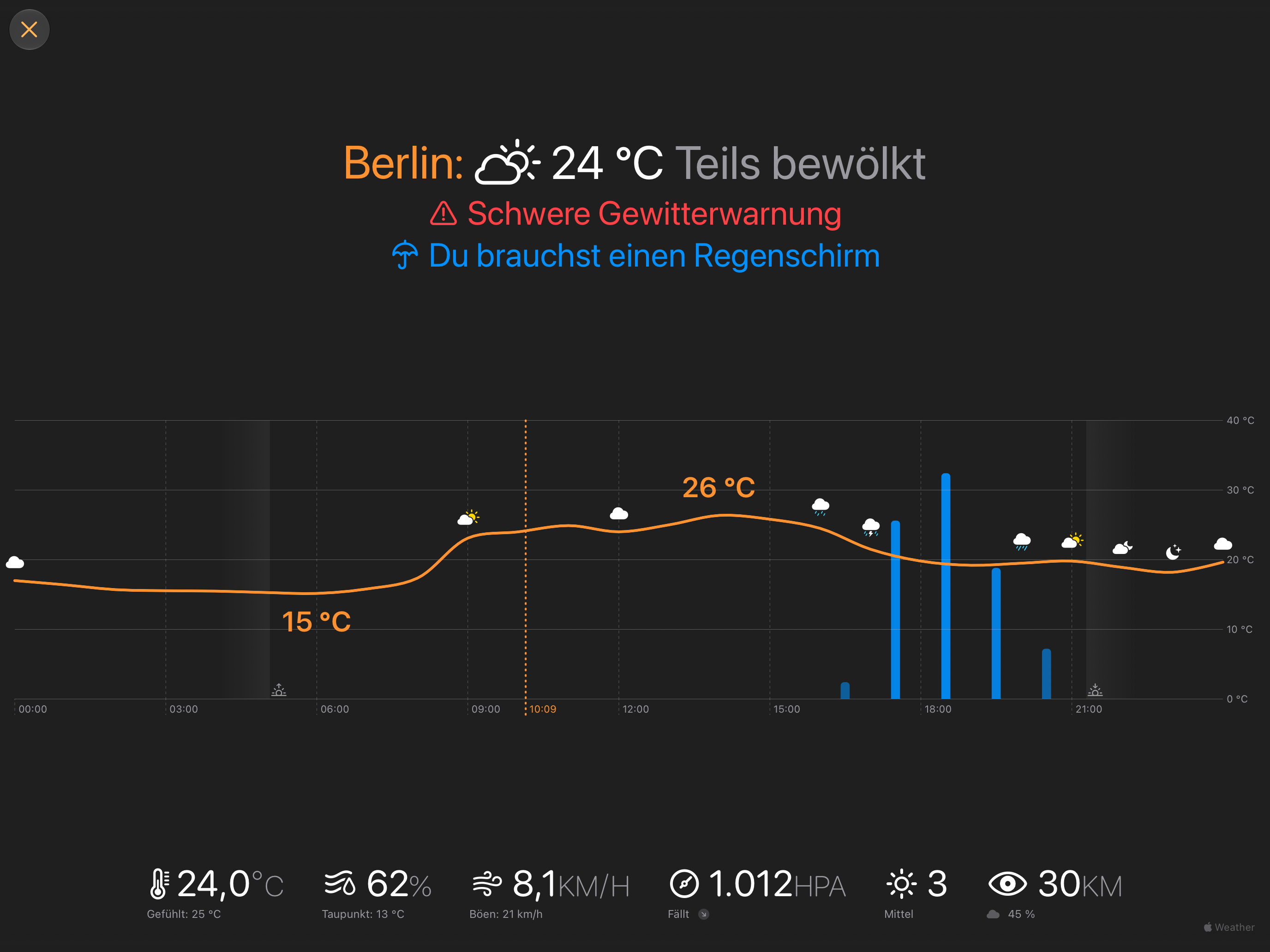

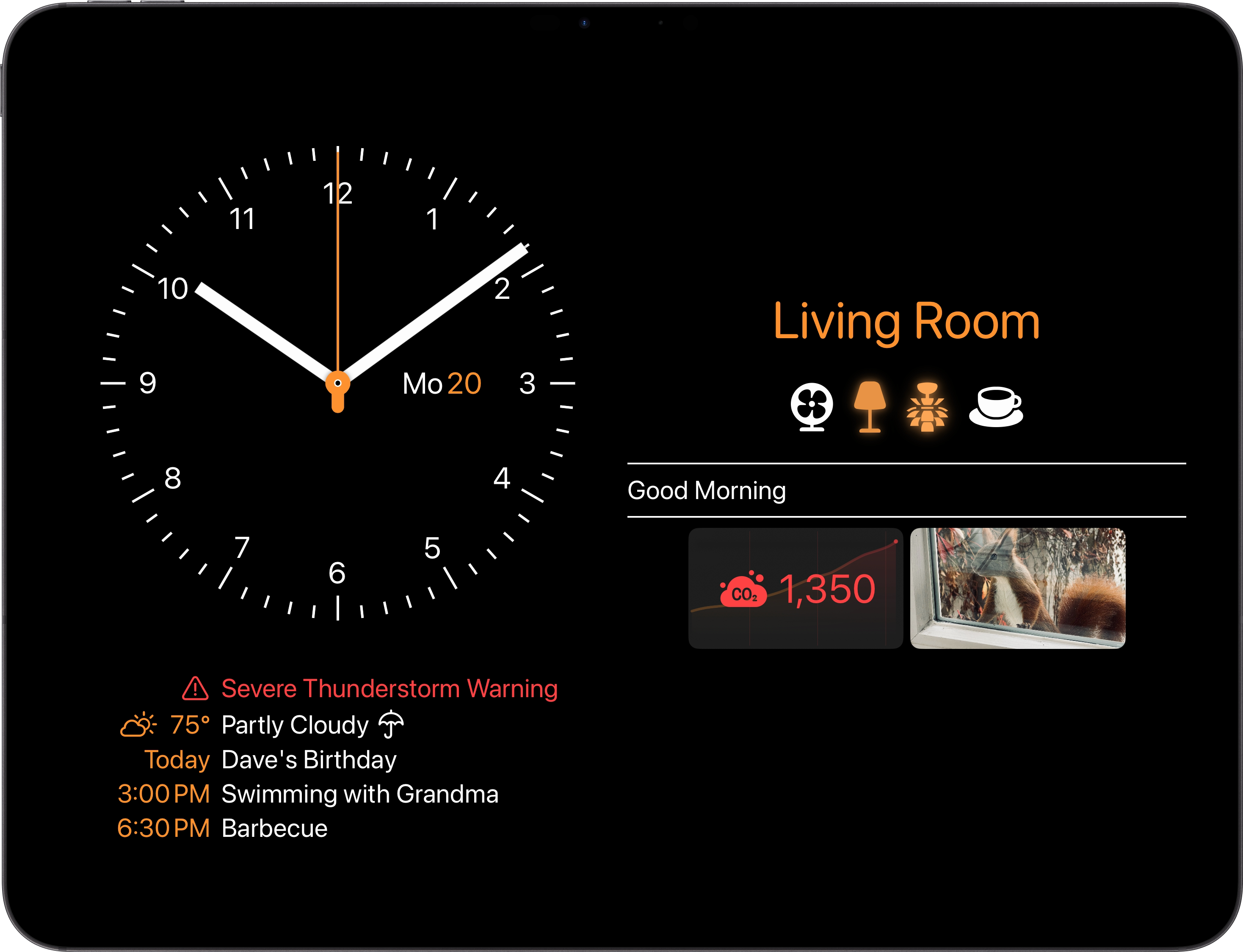
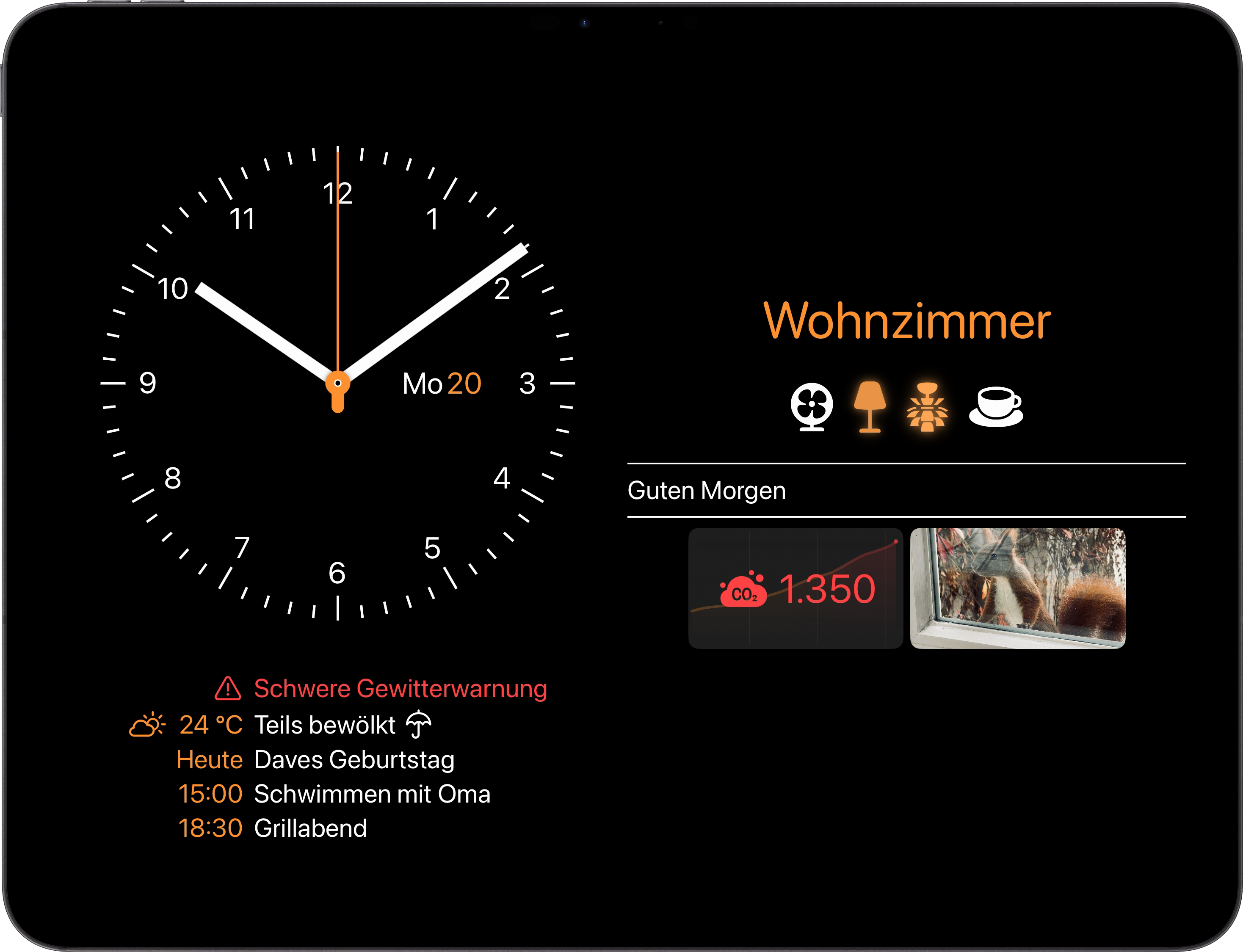

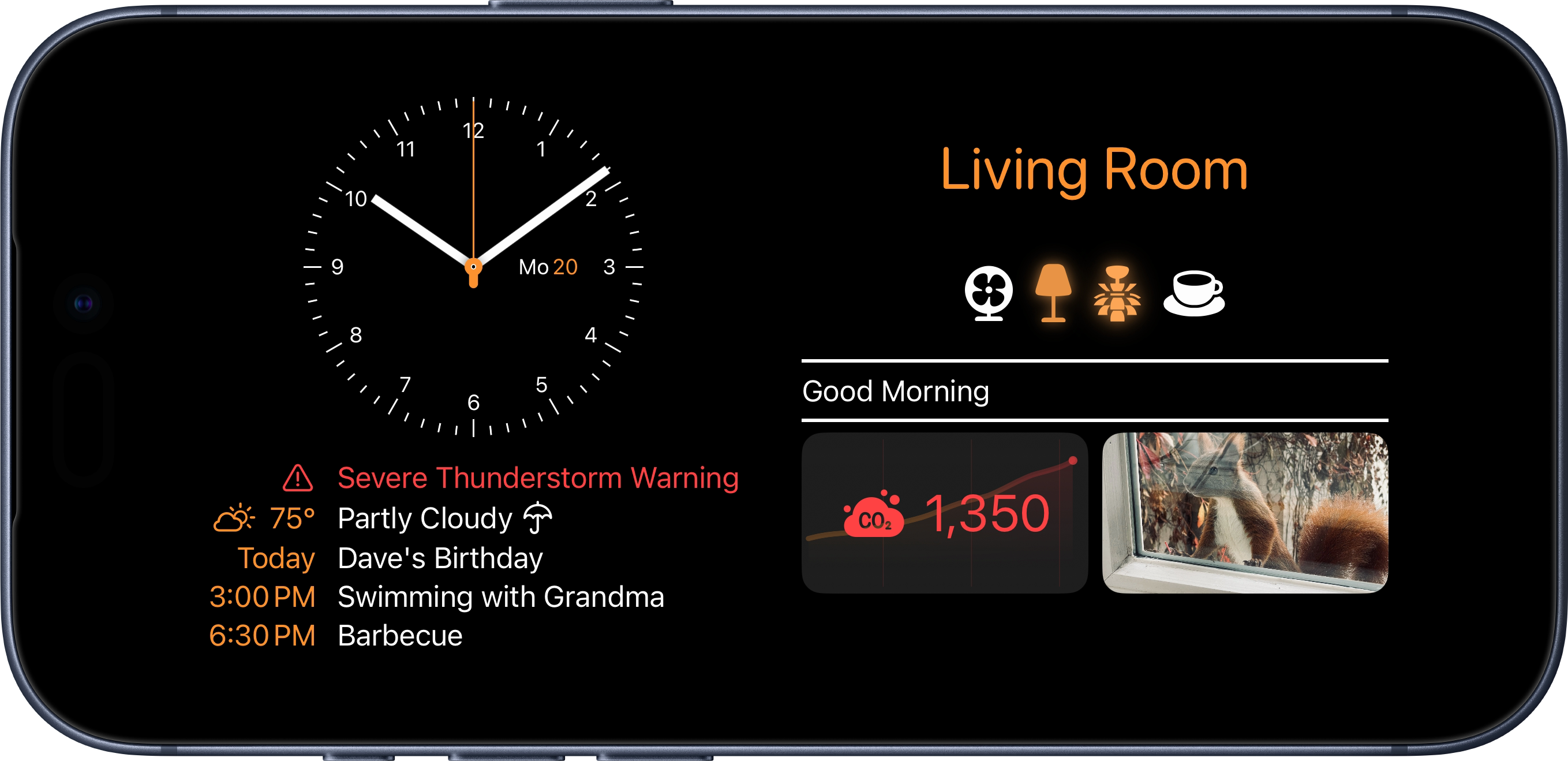
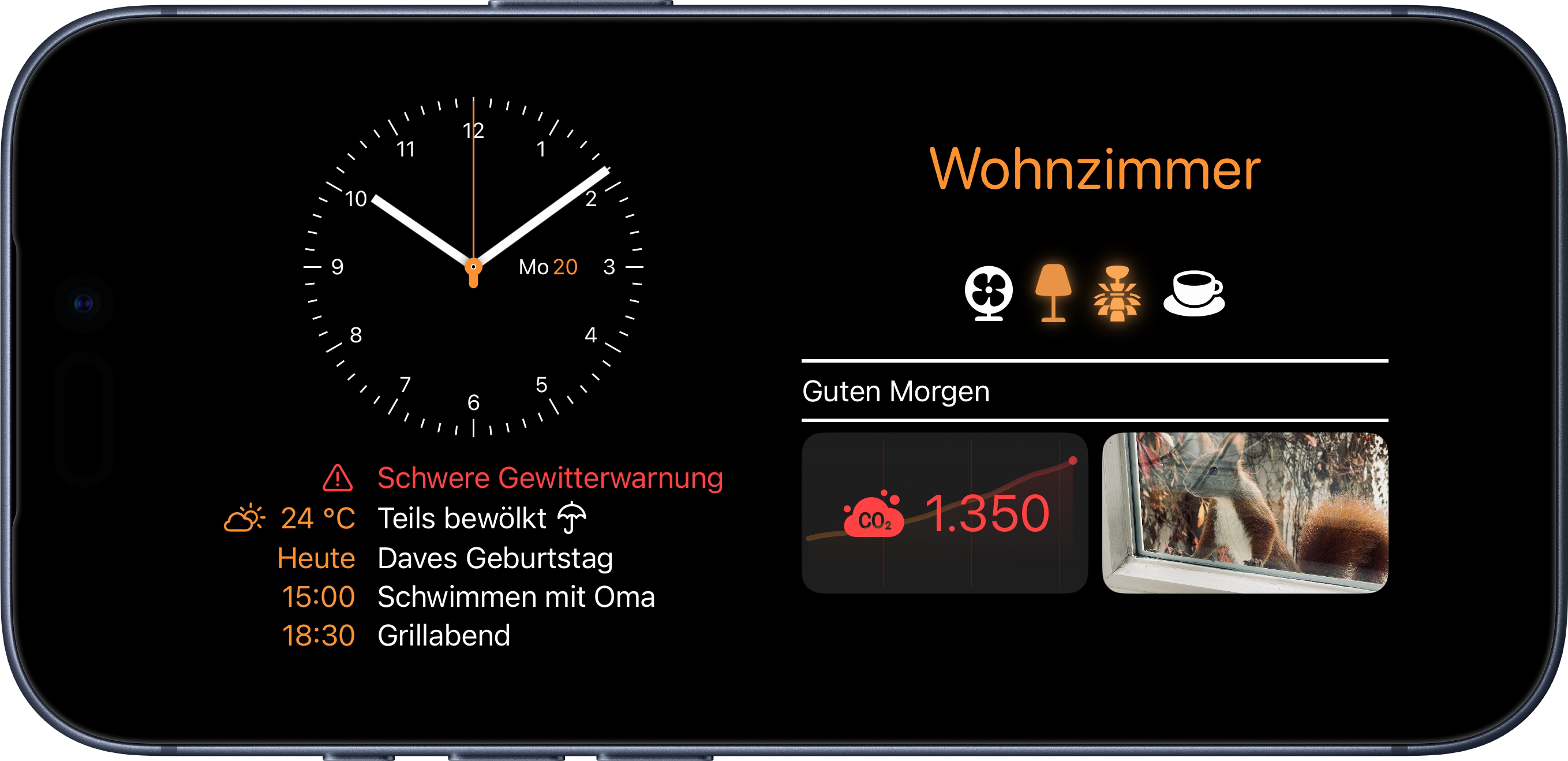

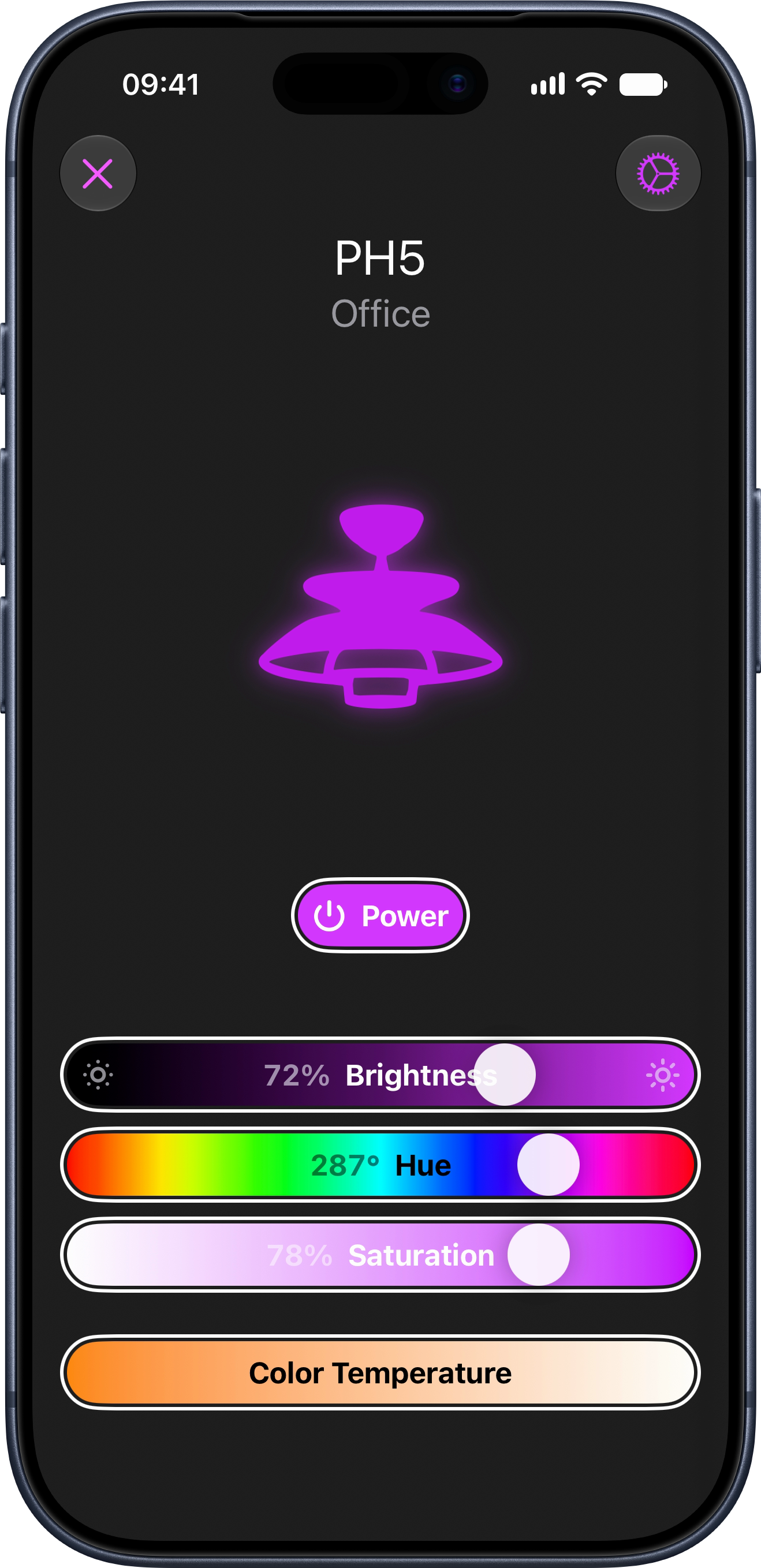
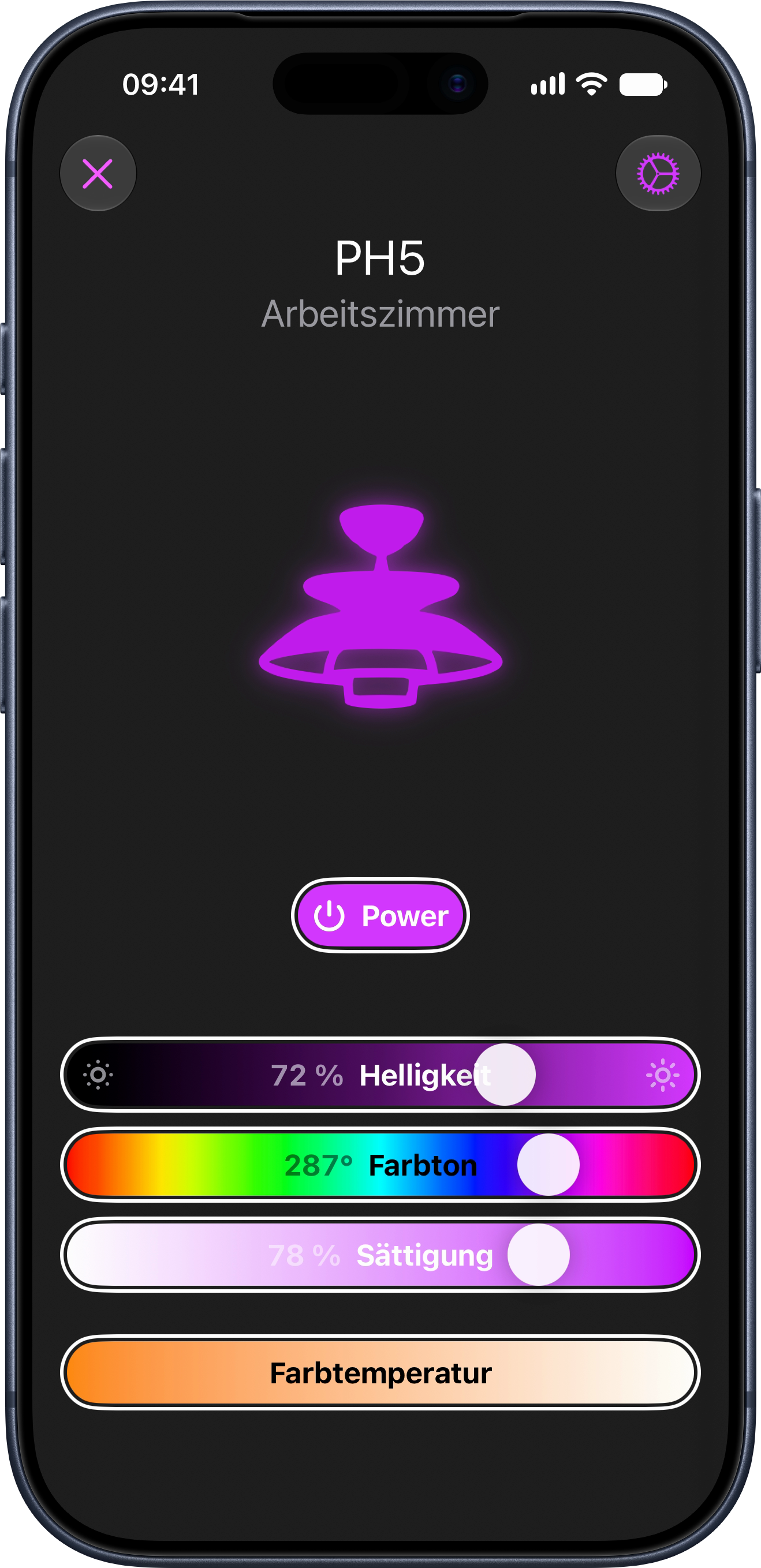
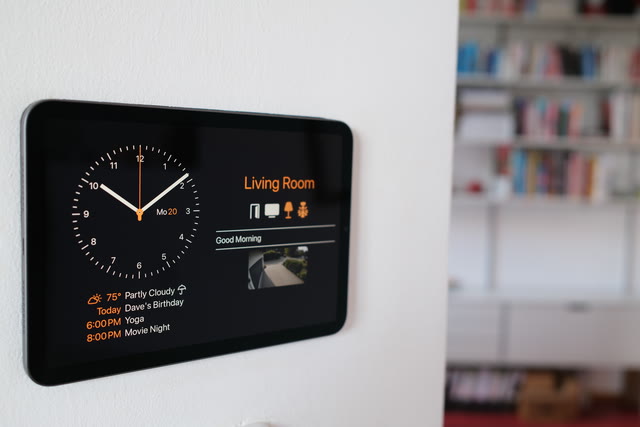
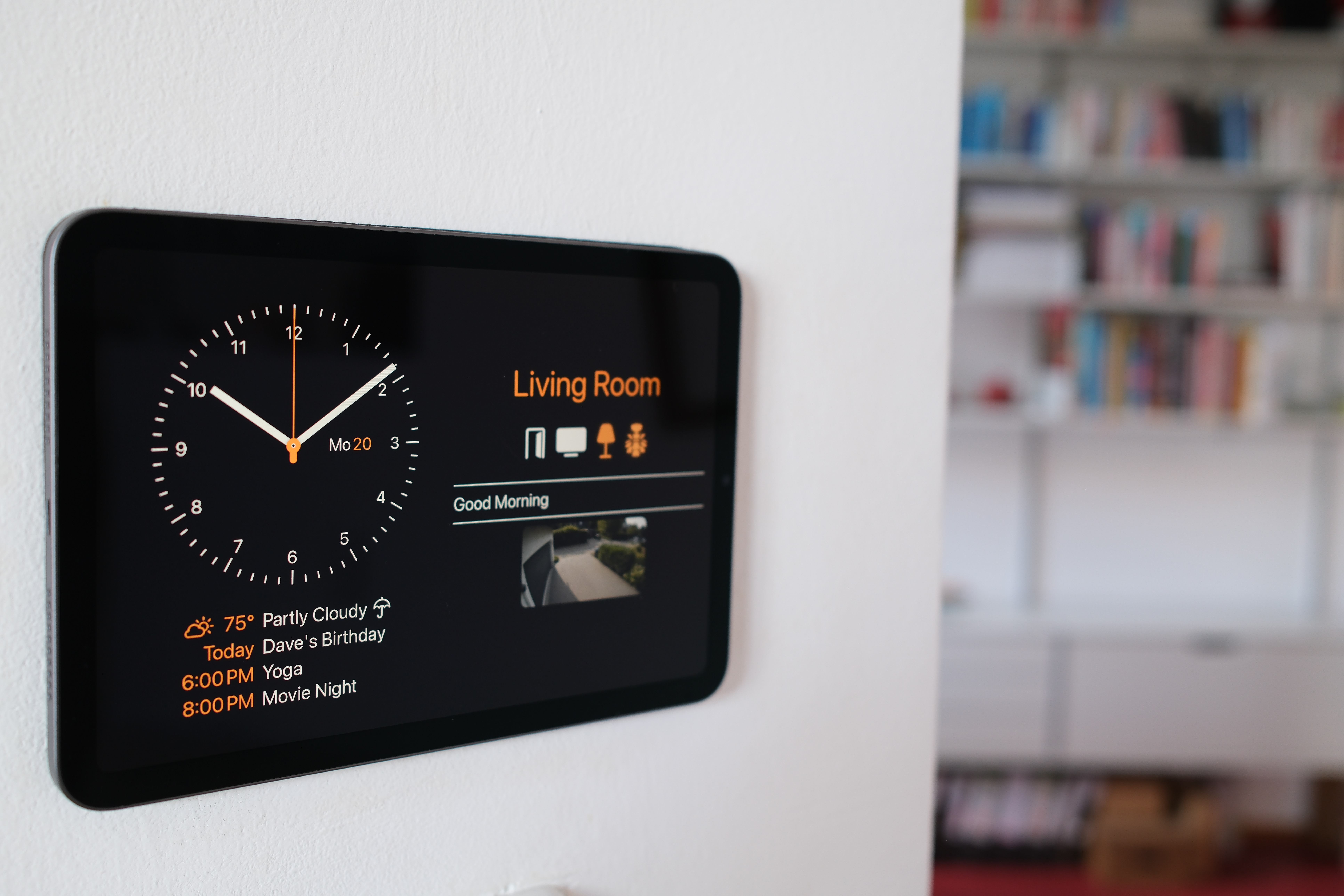
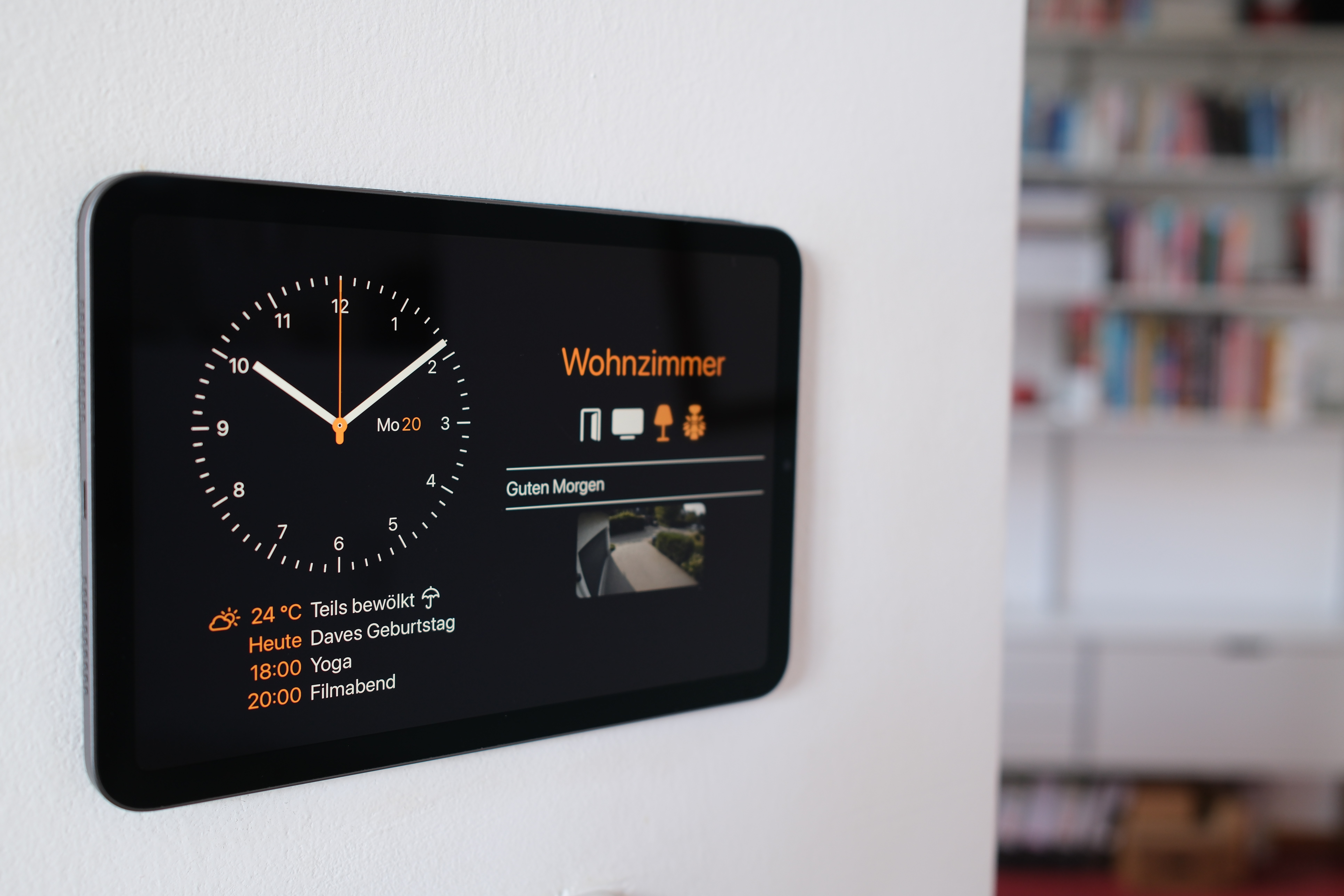
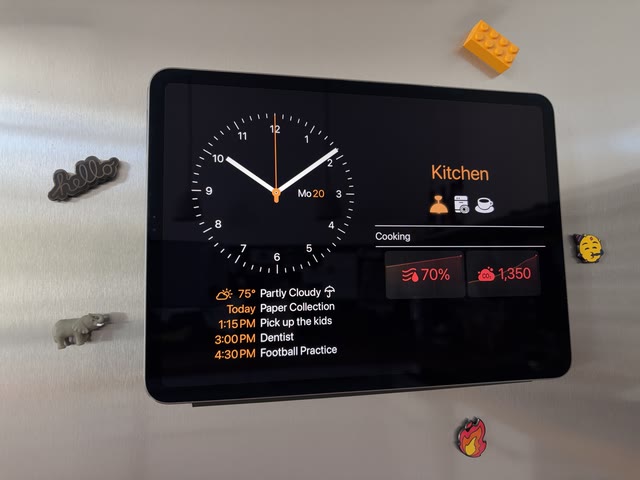
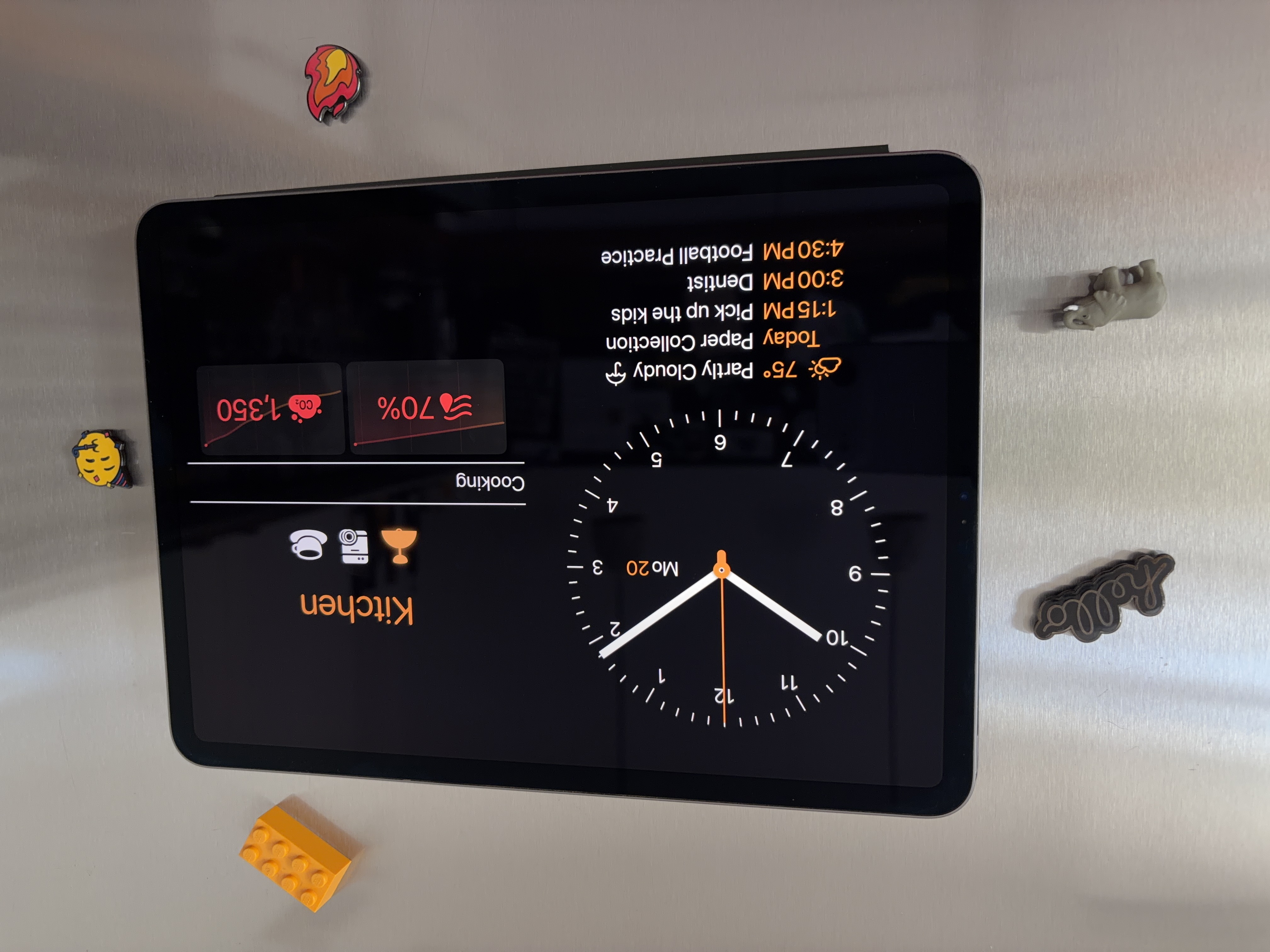
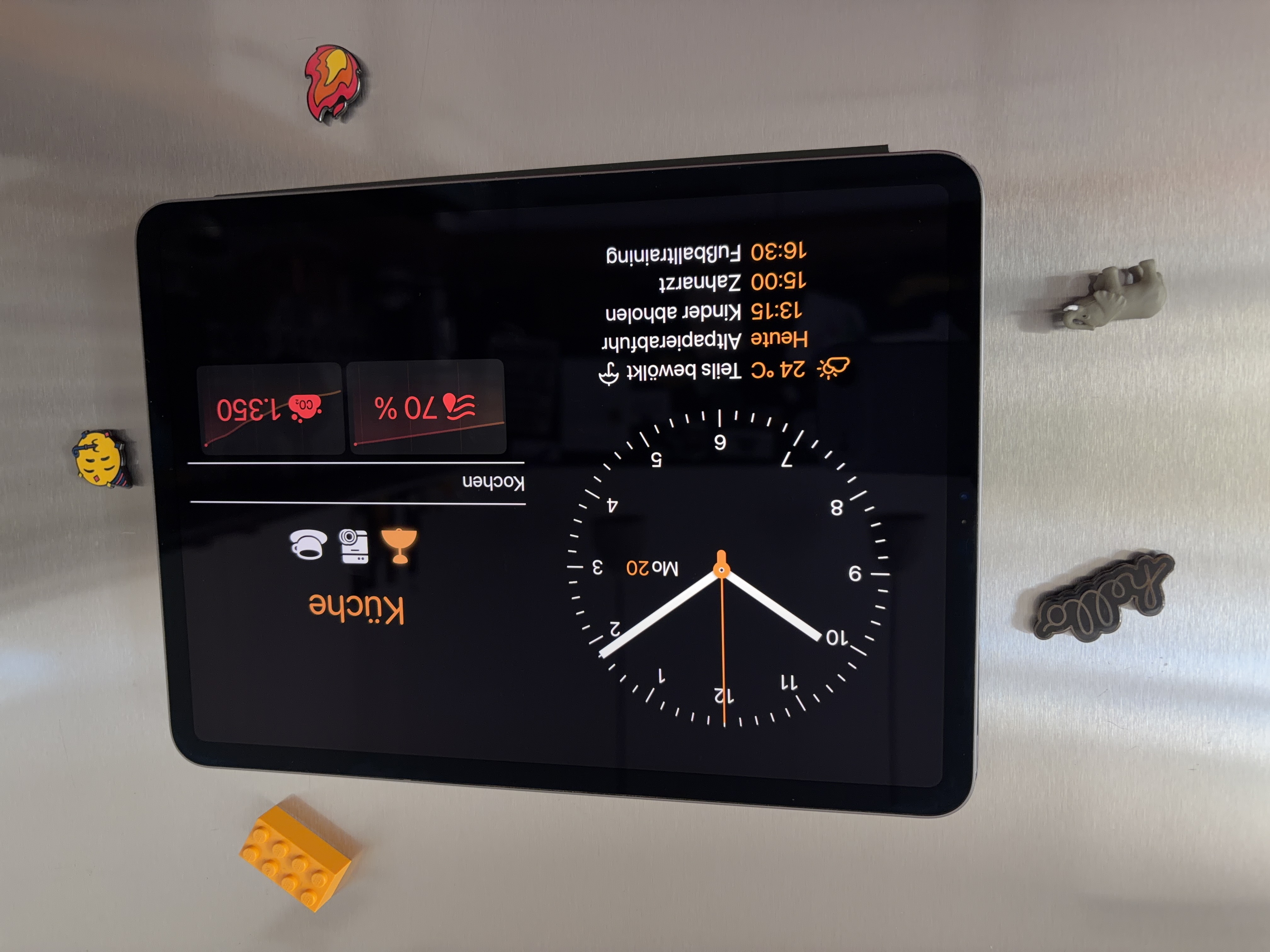
The screenshots are what the app draws. Please don’t crop or restyle them; I gladly provide variants instead. Wallflower speaks eighteen languages, and I can shoot any screen in any of them, at any size, in any device and finish. Just ask.
Contact
Gernot Poetsch, gernot@nxtbgthng.com, +49 151 15775693. Interviews, review access, background: just ask.